Interaction
Toast
Display temporary notifications to provide feedback to the user.
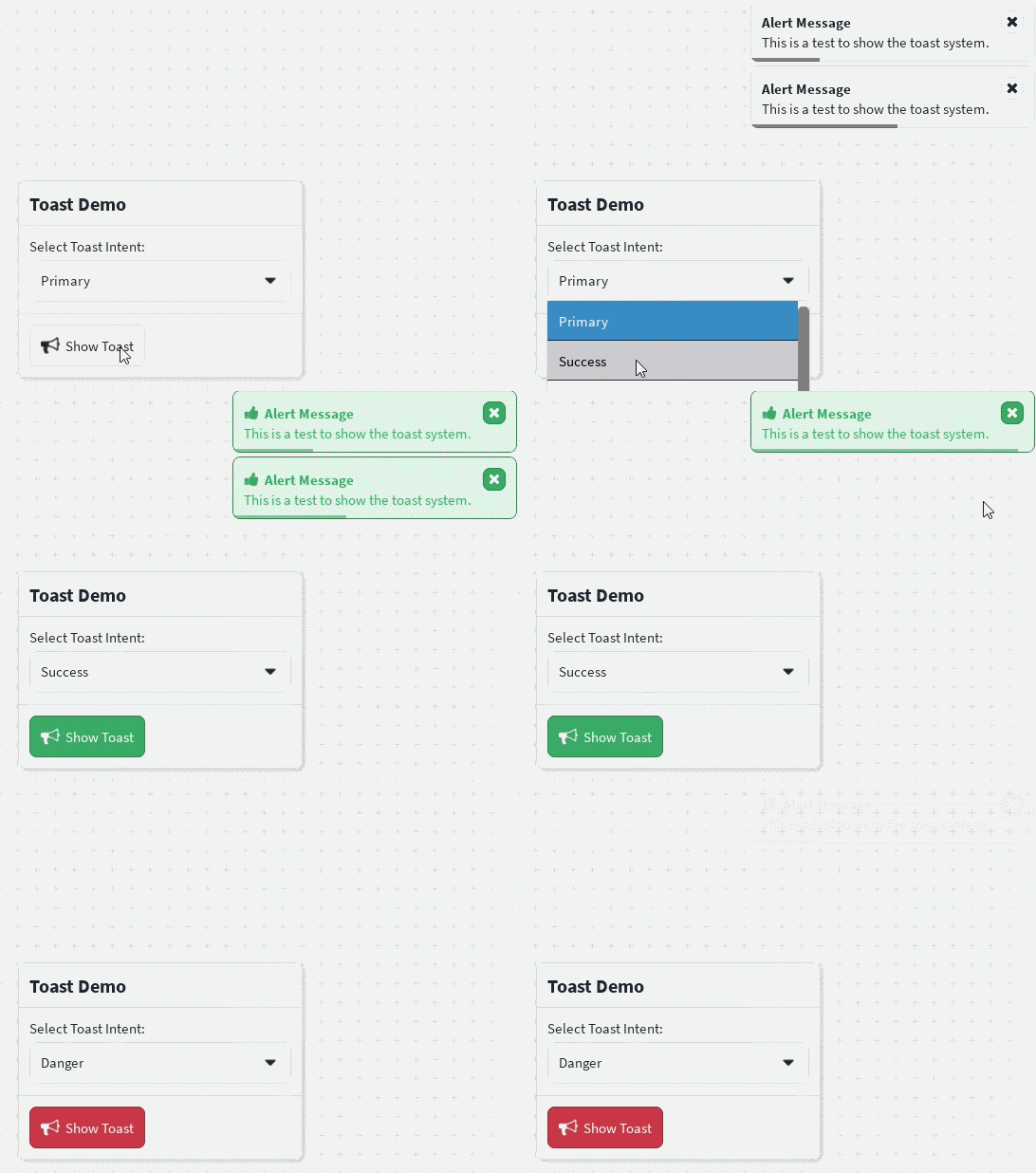
Toasts are small notification messages that appear on top of your interface. They are useful for showing success messages, warnings, errors, or general information without interrupting the user.
Wrap your application with CleanUiProvider (or ToastProvider and ToastContainer) before using useToast().
Basic Example
Different Intents
toast.show({
    title: "Success",
    description: "Everything completed successfully.",
    intent: "success",
});

toast.show({
    title: "Warning",
    description: "Please review your changes.",
    intent: "warning",
});

toast.show({
    title: "Error",
    description: "Something went wrong.",
    intent: "danger",
});
Custom Icon
toast.show({
    title: "Upload Complete",
    description: "Your file has finished uploading.",
    icon: "check",
    intent: "success",
});
Persistent Toast
A toast can remain on screen until it is dismissed.
toast.show({
    title: "Downloading...",
    duration: math.huge,
});
Updating a Toast
show() returns the toast ID, allowing it to be updated later.
const id = toast.show({
    title: "Uploading...",
    duration: math.huge,
});

task.delay(3, () => {
    toast.update(id, {
        title: "Upload Complete",
        description: "Your file has been uploaded.",
        intent: "success",
        duration: 3,
    });
});
Dismissing Toasts
const id = toast.show({
    title: "Example",
});

toast.dismiss(id);
Dismiss every active toast:
toast.dismissAll();API
toast.show(options)
| Property | Type | Default | Description |
|---|---|---|---|
title | string | — | Toast title. |
description | string | — | Additional text shown below the title. |
icon | IconName | — | Optional icon. |
intent | Intent | "primary" | Color theme. |
duration | number | 3 | Time in seconds before automatically dismissing. Use math.huge for a persistent toast. |
dismissible | boolean | true | Shows a close button. |
children | React.ReactNode | — | Completely replaces the default toast content with custom UI. |
toast.update(id, options)
Updates an existing toast.
toast.dismiss(id)
Dismisses a single toast.
toast.dismissAll()
Dismisses every active toast.